Seedance 2.0 — A short video works best with one main action. Ask Santa to place a parcel beneath the tree, look toward the camera or wave beside the fireplace. Adding several locations, costume changes and camera moves to the same brief can make the scene harder to follow. A focused idea is easier to inspect and refine.
A familiar room can make a Santa scene feel personal. Use a clear photograph of your own living room, with the tree, floor and doorway visible. Describe where Santa should enter and what he should do. Keep people and unnecessary personal details out of the reference, and use only photographs you have permission to upload.
Seedance 2.0 Text to Video|Seedance 2.0 Image to Video|Reference-Guided Video Creation|Creative Camera and Motion Control
Choose your Christmas creation
A short video works best with one main action. Ask Santa to place a parcel beneath the tree, look toward the camera or wave beside the fireplace. Adding several locations, costume changes and camera moves to the same brief can make the scene harder to follow. A focused idea is easier to inspect and refine.
1
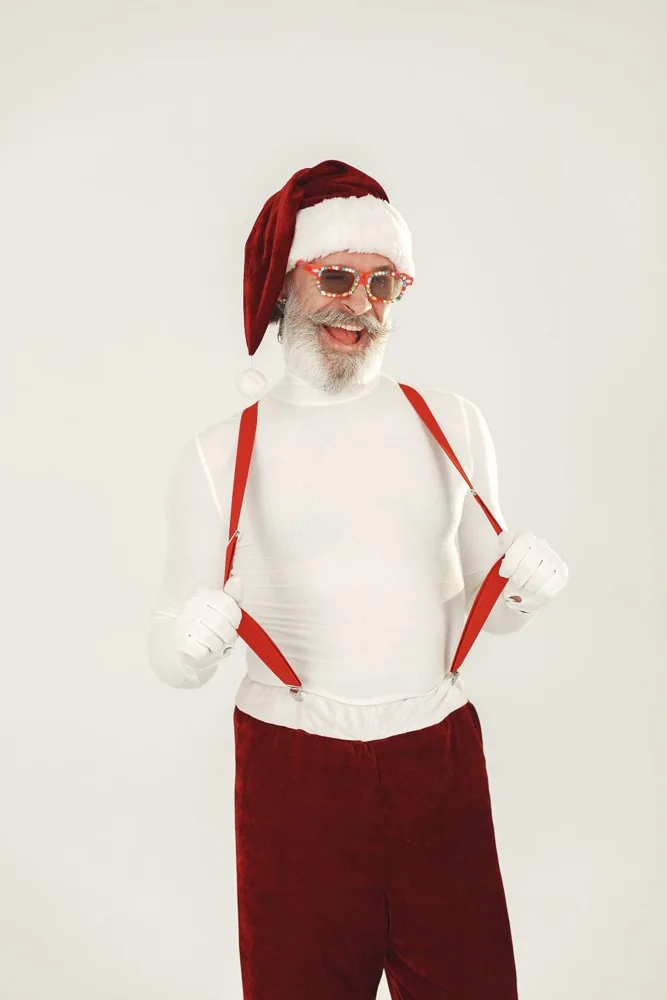
a festive portrait of Santa Claus
a festive portrait of Santa Claus. Keep the subject clear, describe the lighting and leave space for any message. Add the wording as editable text, then check the complete composition before sharing.
2
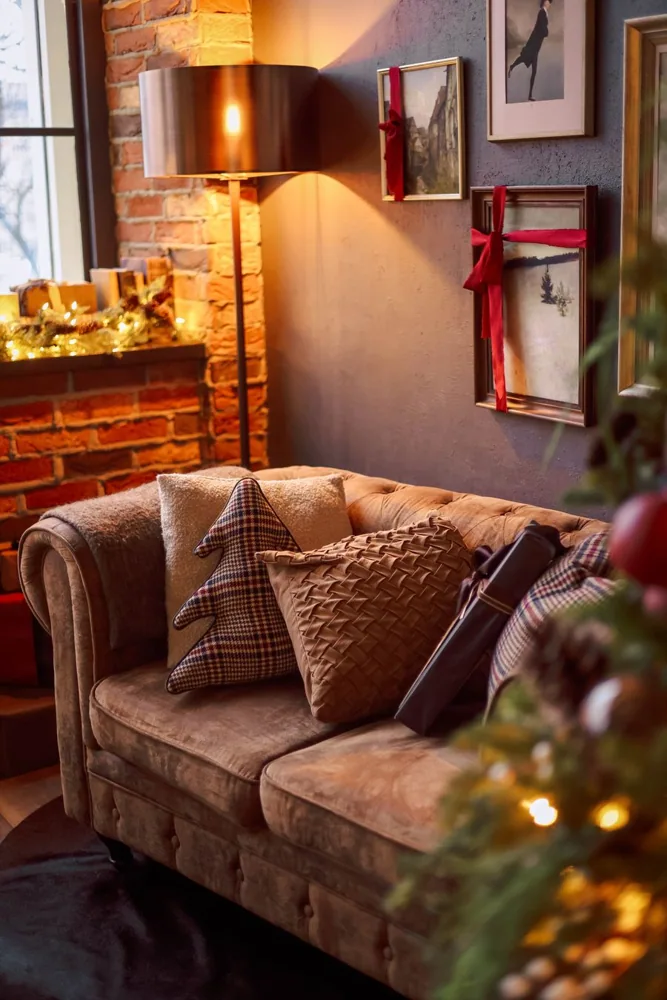
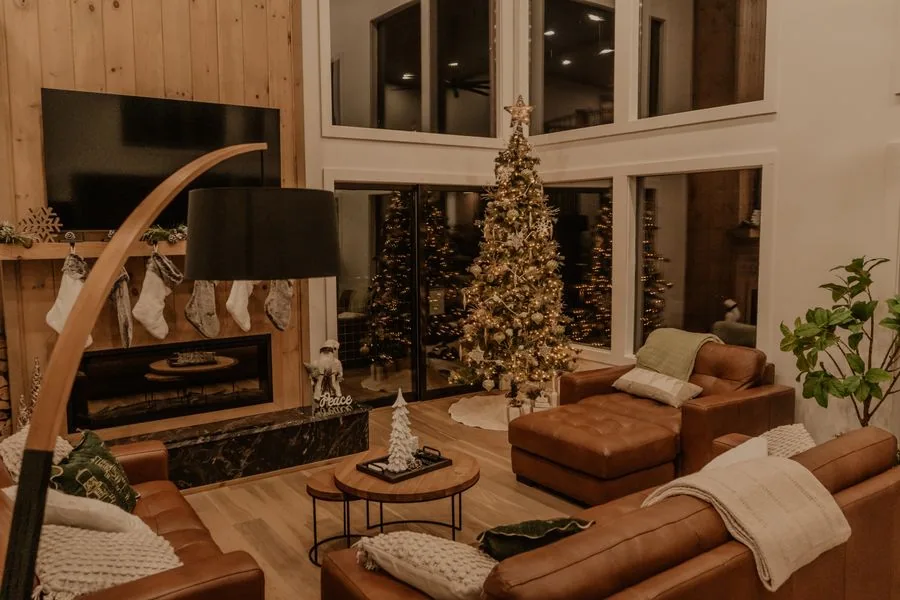
a room decorated for Christmas
a room decorated for Christmas. Keep the subject clear, describe the lighting and leave space for any message. Add the wording as editable text, then check the complete composition before sharing.
3
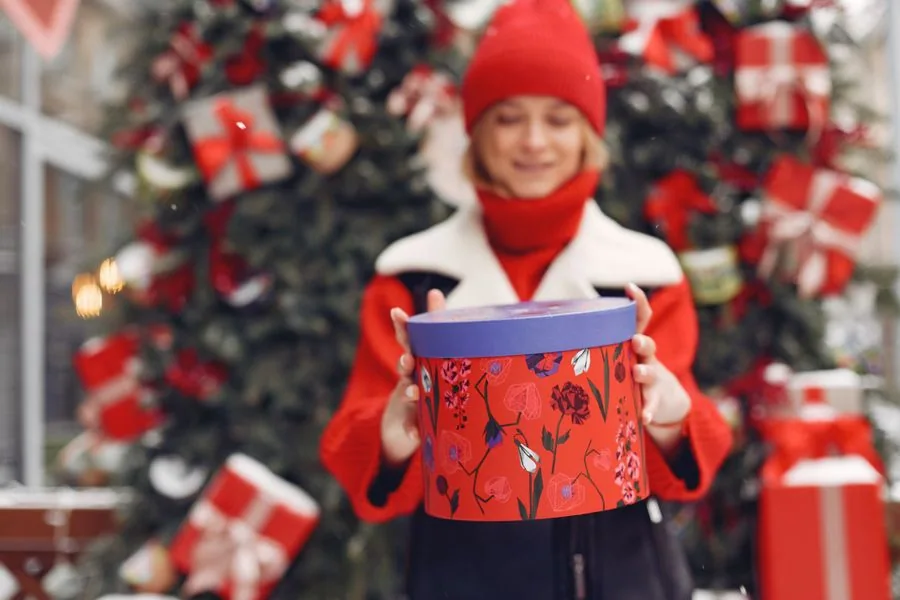
wrapped Christmas gifts and festive ribbon details
wrapped Christmas gifts and festive ribbon details. Keep the subject clear, describe the lighting and leave space for any message. Add the wording as editable text, then check the complete composition before sharing.
Make the moment feel like Christmas
Choose a portrait frame for a phone greeting and a wider composition for a room scene or a website. The available ratios, duration and output controls depend on the model. Set them before submitting, and review the quoted credits for that exact combination rather than assuming every Santa video has the same cost.
Santa Claus figures in a Christmas display
Santa Claus figures in a Christmas display. Keep the subject clear, describe the lighting and leave space for any message. Add the wording as editable text, then check the complete composition before sharing.
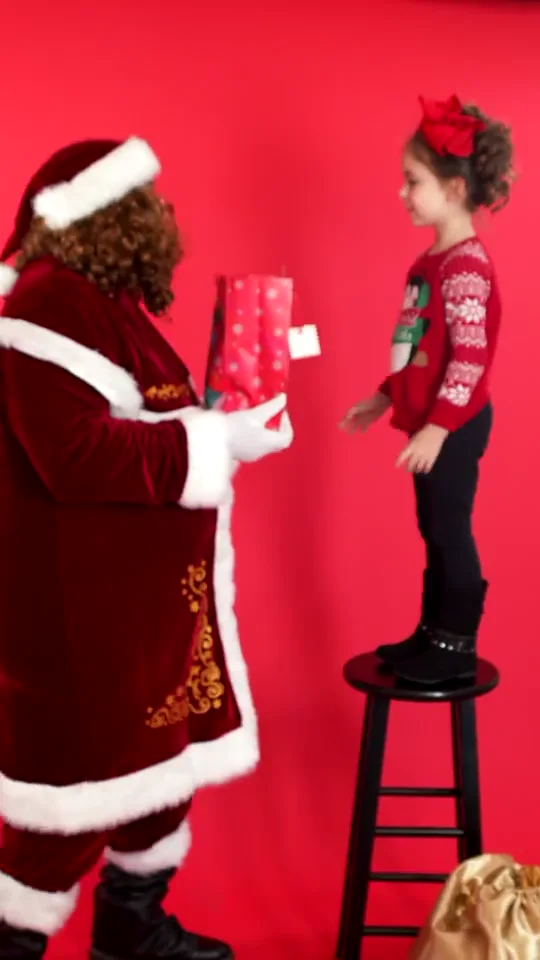
Santa Claus with Christmas gifts. Keep the subject clear, describe the lighting and leave space for any message. Add the wording as editable text, then check the complete composition before sharing.
a festive portrait of Santa Claus. Keep the subject clear, describe the lighting and leave space for any message. Add the wording as editable text, then check the complete composition before sharing.
a room decorated for Christmas. Keep the subject clear, describe the lighting and leave space for any message. Add the wording as editable text, then check the complete composition before sharing.
Light gives a Christmas image its mood. Describe warm lamps, golden tree lights, deep green branches and a snowy blue view through the window. Tell the model which parts of the room should stay recognizable. When editing a photograph, explain the change you want instead of describing an entirely different house.
Christmas cookies and festive baking details
Christmas cookies and festive baking details. Keep the subject clear, describe the lighting and leave space for any message. Add the wording as editable text, then check the complete composition before sharing.
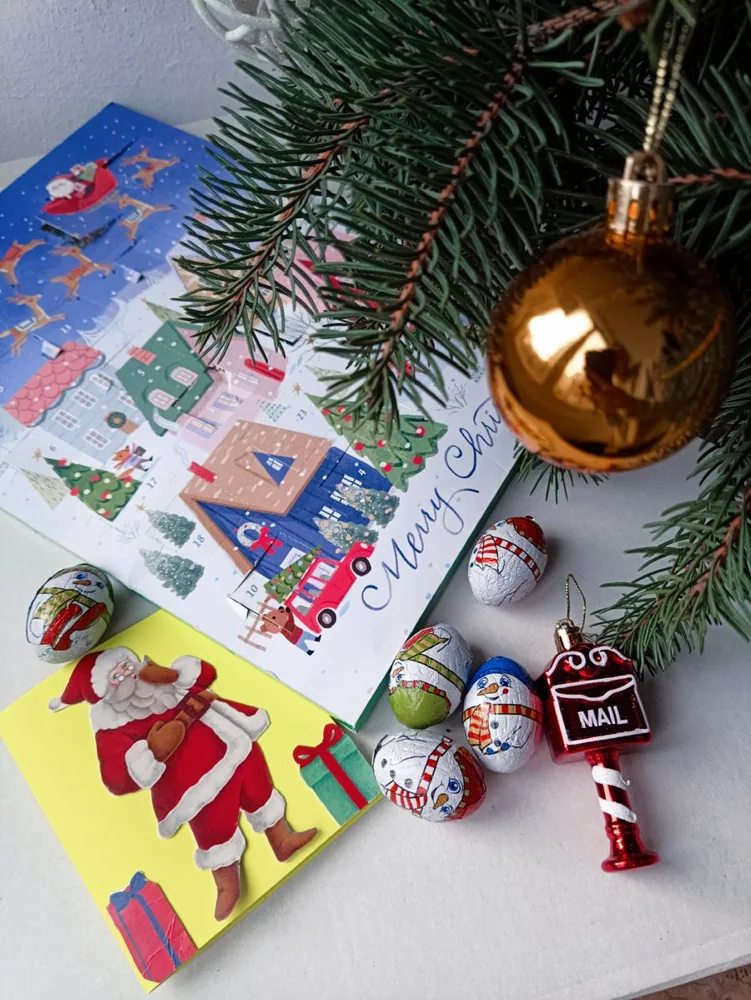
Christmas cards and festive paper decorations
Christmas cards and festive paper decorations. Keep the subject clear, describe the lighting and leave space for any message. Add the wording as editable text, then check the complete composition before sharing.
Christmas decorations and festive details
Christmas decorations and festive details. Keep the subject clear, describe the lighting and leave space for any message. Add the wording as editable text, then check the complete composition before sharing.
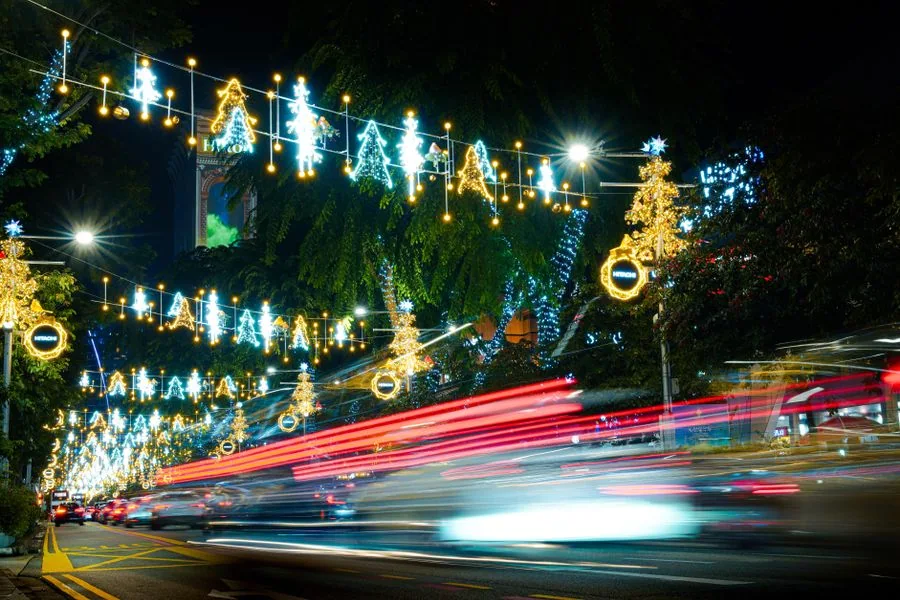
a festive Christmas light display
a festive Christmas light display. Keep the subject clear, describe the lighting and leave space for any message. Add the wording as editable text, then check the complete composition before sharing.
A little Christmas inspiration
Review the finished image or clip before sharing it. Look at hands, faces, gift boxes, the tree and the edges of the room. For video, watch the whole sequence rather than judging a cover image. If something needs improvement, adjust the relevant instruction and compare versions; each new submission is a separate creative attempt.
“
Use Seedance 2.0 to shape an opening that makes the subject and action clear. Compare a few camera directions against the same brief, then develop the strongest idea into the rest of the short video.
Make the product the centre of the frame. Plan a controlled reveal, material detail and brand atmosphere with Seedance 2.0, keeping the same product features while comparing campaign ideas.
Think in shots: establish a place, introduce an action and choose the final image. Explore framing and camera rhythm with Seedance 2.0 before committing to a more detailed storyboard.
Carry the same colour, composition and visual style from a still concept into motion. Use Seedance 2.0 to explore how movement supports the original design rather than distracting from it.
Develop the mood of a world through character movement, environmental detail and cinematic staging. Keep the concept's key features clear while comparing different scene directions in Seedance 2.0.
◈
Social video creator
Creative workflow
◇
Product marketing team
Creative workflow
▣
Film and storyboard
Creative workflow
✦
Design and visual direction
Creative workflow
◉
Game concept team
Creative workflow
Your Santa creation questions, answered
Seedance 2.0 — A short video works best with one main action. Ask Santa to place a parcel beneath the tree, look toward the camera or wave beside the fireplace. Adding several locations, costume changes and camera moves to the same brief can make the scene harder to follow. A focused idea is easier to inspect and refine.
It is a creative workflow for making a Christmas video from text or a compatible reference image. Describe Santa, the setting and one clear action, then choose the model and controls for that task. A photo generator creates a still image; a video generator adds a sequence of movement.
Use the image-to-video or image-editing workflow when the selected model accepts a reference. A clear, wide photograph with room around the Christmas tree is useful. Keep the original composition in mind and describe what should remain unchanged. Avoid uploading people or personal information that the scene does not need.
A spoken message requires a model with suitable audio and speech support. Check its actual controls and listen to the full result before sharing, especially for names. A prerecorded greeting is different from a live call. FreeSanta does not describe a generated clip as a real-time conversation.
Start from a room or doorway photograph and describe Santa entering, placing a gift and leaving. Use a fixed camera viewpoint and one simple action. Camera-style Santa scenes are fictional Christmas creations; they are not evidence of a real visitor or a connection to a home-camera service.
The configured welcome reward is 50 credits, and the seven-day check-in cycle offers up to 100 credits. Availability follows the account rules. Check the model's quote and access requirements before submitting: rewards do not mean unlimited generation, and they do not automatically unlock every model.
Choose by task and supported inputs. Video models are for motion; image models are for still scenes and compatible edits. Compare the model pages, reference controls and quoted credits. Model names remain their actual supplier identities, so a Santa scene is a use case rather than an invented Santa model version.
Name the subject, describe one action, identify the room or outdoor setting, and specify a visual style. Add useful lighting and camera directions. For a reference photo, say which objects and layout should stay. Keep the first attempt focused, then revise the detail that matters most.
The inspiration gallery helps you explore creative directions. It is not a guarantee that your chosen model will reproduce the same picture or movement. Your own results depend on the prompt, references, model and settings. Review each output before using it as a finished greeting or campaign asset.
Yes. Use the image workspace for Santa illustrations, card concepts and festive scenes. Choose text-to-image for a new composition or a compatible editing mode for a reference. Keep the final use in mind: a small card, phone wallpaper and wide banner need different compositions.
Check the task status and any recorded error first. Billing and credit treatment depend on the confirmed task outcome; do not infer a refund from a loading indicator. If you need help, contact support@freesanta.co with the task identifier and a description, without sending passwords or payment-card details.
Only use material you have the rights and permission to use. Take particular care with family photographs, children and recognizable voices. A public image is not automatically available for commercial reuse. Check the relevant model and third-party terms before using a result in a paid campaign.
Open pricing to compare the available monthly, yearly and one-time options. Review the total charge, credit allowance and any included bonus together. The exact generation quote comes from your selected model and settings. Payment methods are available only where configured for this site and purchase.
Bring your Christmas idea to life
Choose a portrait frame for a phone greeting and a wider composition for a room scene or a website. The available ratios, duration and output controls depend on the model. Set them before submitting, and review the quoted credits for that exact combination rather than assuming every Santa video has the same cost.